Overview
WebView is a boost/coupon management web UI provided by PlayCamp. It works in both in-game embedded browsers (WebView) and external browsers. You can provide Creator Boost and coupon features without building custom UI.Both in-game embedded browsers and external browsers (mobile/PC) are supported. Choose the approach that fits your game environment.
Server API Direct Integration vs WebView
WebView and Server API direct integration can be used simultaneously. For example, you can handle boost via WebView and payment registration via Server API.
Architecture
Integration Flow
1
Issue OTT (Game Server)
Issue an OTT (One-Time Token) from the game server using the Server API Key.
2
Open WebView (Game Client)
Open the WebView with the OTT received from the game server as a URL parameter.
3
User Interaction
Users can register/change/remove Creator Boost, validate/redeem coupons in the WebView. No additional game server processing is needed.
4
Receive Results via Webhook
Events from WebView (boost registration, coupon redemption, etc.) are delivered to the game server via webhooks.
OTT Issuance API
Request
- cURL
- Node SDK
- Go SDK
Parameters
Response (201 Created)
WebView URL Configuration
Base URL
Option Parameters
tabs options
If
tabs is not specified, default tabs are displayed (sponsor, coupon).Theme Customization
Customize WebView colors and fonts via URL parameters.Enter hex color values without
#. Example: primaryColor=FF6B35Key Features
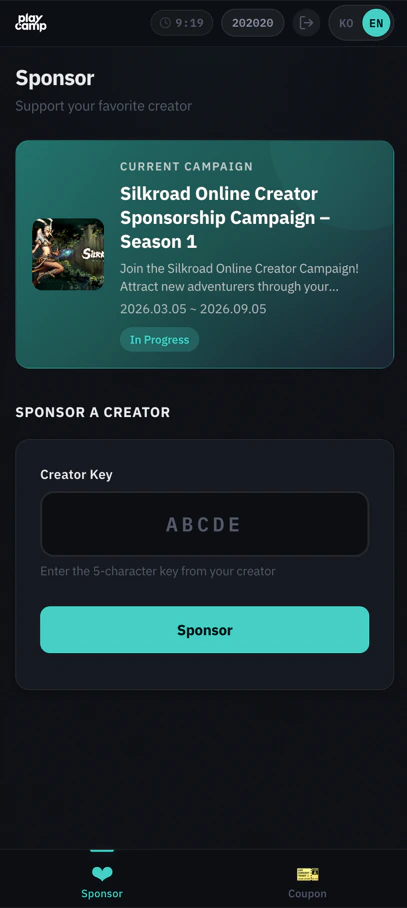
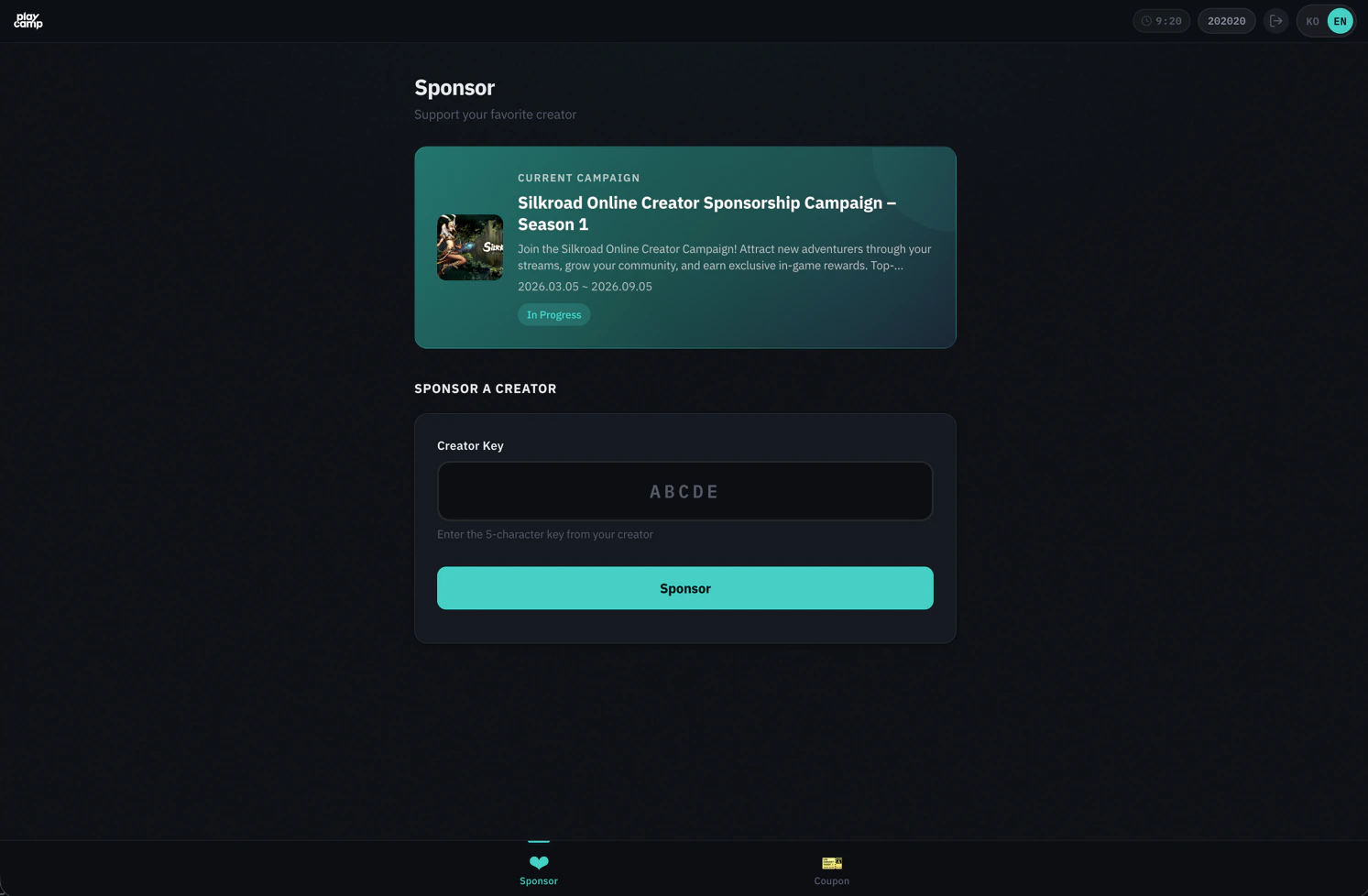
Boost Management
Users can search for creators and register/change/remove boosts in the WebView.- Creator Search: Search by creator key or name (real-time autocomplete)
- Register Boost: Register boost for selected creator
- Change Boost: Change to a different creator (30-day cooldown applies)
- Remove Boost: Remove current boost
Coupon Redemption
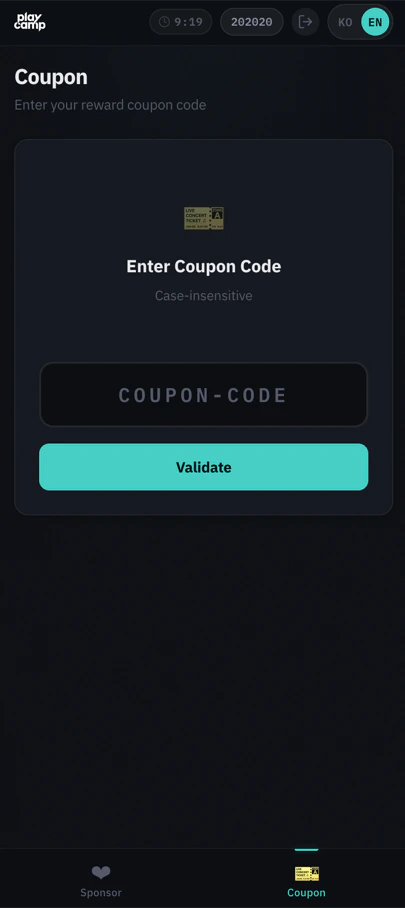
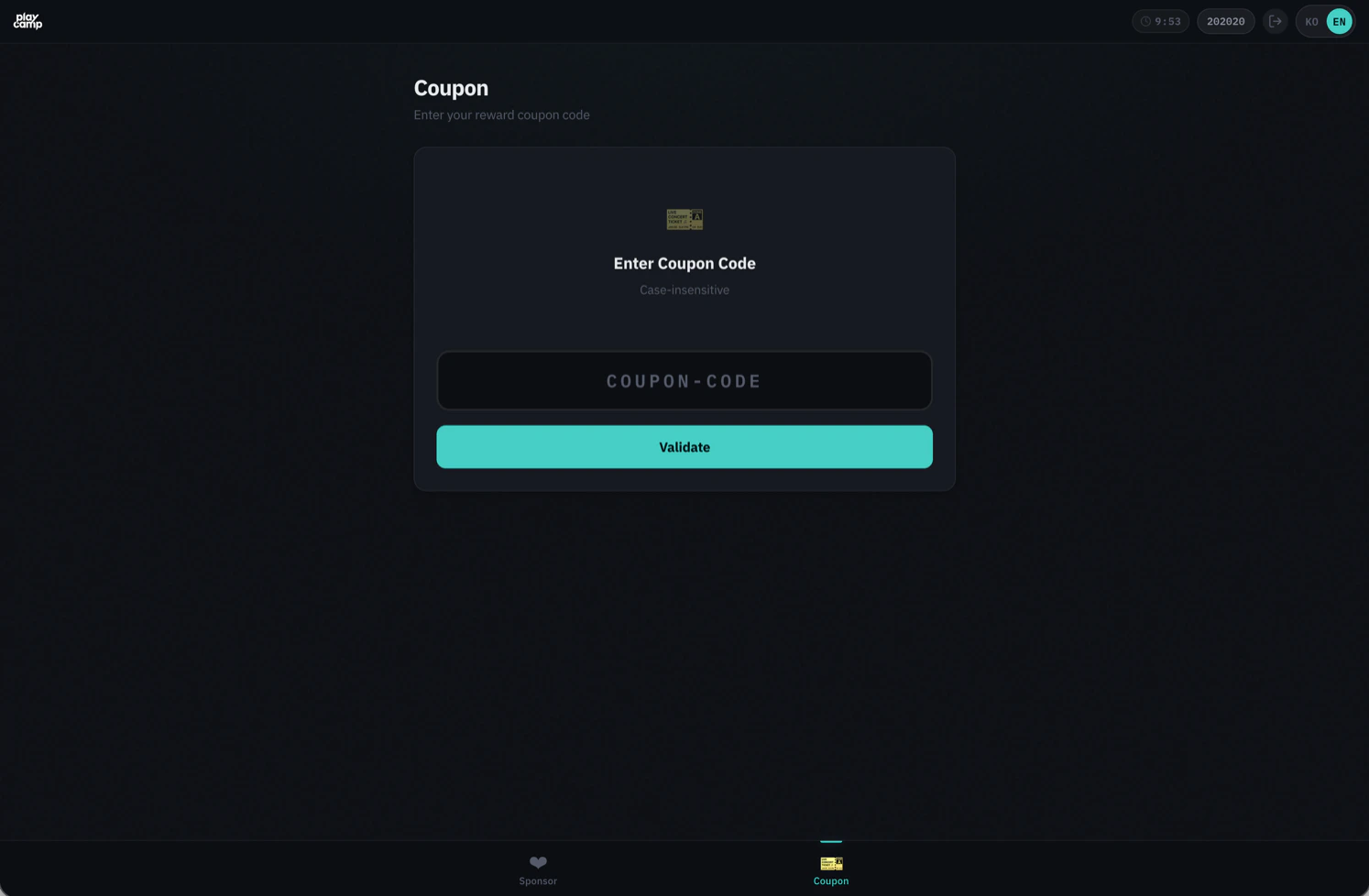
Coupons are redeemed in 2 steps: Validate → Redeem- Code Input: 5-50 characters, auto uppercase conversion
- Validation: Check validity and preview reward items
- Redemption: Confirm to finalize (returns usage ID)
Webhook Event Integration
Actions performed by users in the WebView are delivered to the game server via webhooks.Events from WebView
Webhook Payload Examples
sponsor.createdIf you specify a
callbackId when issuing the OTT, all webhook events from that session will include the specified ID. See the Webhook Events page for webhook reception and signature verification.Security
OTT (One-Time Token)
- Single-use: OTT is deleted immediately upon session exchange. Cannot be reused
- 60-second TTL: Must be used within 60 seconds of issuance
- Server-issued only: Requires Server API Key, so can only be issued from the game server
Session Management
- Session Cookie:
httpOnly,SameSite=strictsettings prevent XSS/CSRF attacks - Session TTL: 10 minutes (auto-extended based on last API call)
- Single Session: Only one session per user. Creating a new session automatically invalidates the existing one
CSRF Protection
CSRF tokens are automatically included in state-changing requests (POST/PUT/DELETE) within the WebView. No additional handling required from the game studio.PKCE (Optional)
For additional security in app environments, you can use PKCE (Proof Key for Code Exchange).FAQ
What happens when the session expires?
A reconnection prompt is displayed in the WebView. To continue, the user needs a new OTT issued from the game server to reopen the WebView.Session TTL is 10 minutes and auto-extends with each API call. However, it does not extend during idle state (no activity).
What is campaignId scoping?
When you specify acampaignId during OTT issuance, the entire WebView is scoped to that campaign:
- Only creators from that campaign are shown for boosting
- Campaign info is shown instead of campaign list
- Only creators participating in that campaign are searchable
How is multilingual support handled?
- Default: Auto-detected from browser language settings (Korean/English)
- URL parameter:
?lang=koor?lang=en - Language settings changed by the user are stored in the browser and persist on next visit