Download All
6 icons + 3 bar buttons · 9 PNG files total (ZIP, 1.1MB)
You are free to design and apply your own icons that fit your game’s art style instead of using the PlayCamp-provided assets.
Square Icons
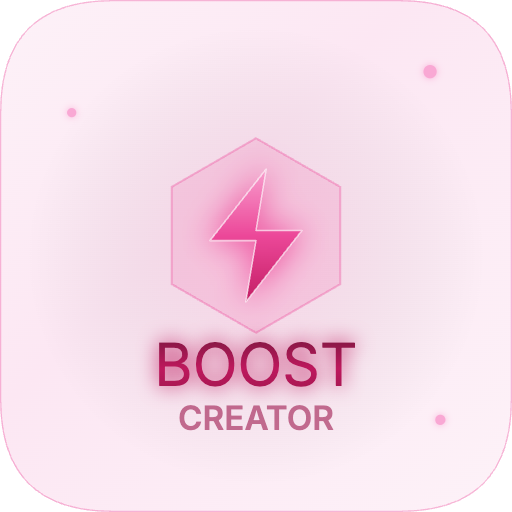
Three color variants optimized for different background colors. Each variant is available in 256px (in-game UI) and 512px (high-resolution).Light — For light backgrounds
Dark — For dark backgrounds
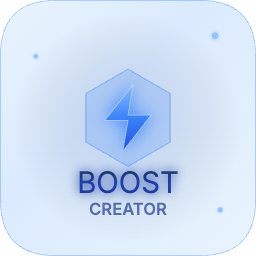
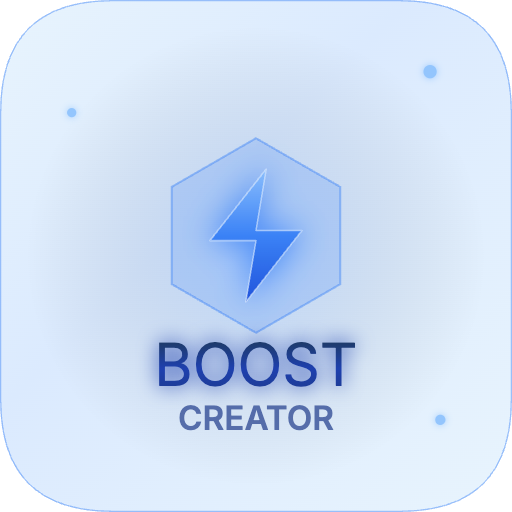
Pastel — For pastel-toned backgrounds
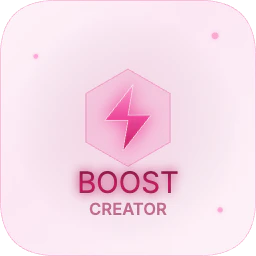
Bar Buttons
Social login-style bar buttons (same layout as Google/Apple login buttons) in three color variants. Logo on the left, text on the right.Light — For light backgrounds


Dark — For dark backgrounds


Pastel — For pastel-toned backgrounds


Usage Guide
256px
Best for in-game UI buttons and icon slots
512px
Best for app icons, store listings, and high-res UI
3 Color Variants
Covers dark, light, and pastel backgrounds
Bar Buttons
Social login-style bar buttons in 3 variants
These icon assets are exclusively for Boost Creator in-game button use. Usage for other purposes is not permitted.